© Albert Dros
 © Albert Dros
 © Albert Dros
Descripción
Here comes one splendid collection of Presets by Albert Dros that can cover all your editing needs for travel photos, including charming landscapes, forest images, and cityscapes. Find a match for the atmosphere you want in each photo with one of these 12 Presets.
Consigue fotos como estas
Con los archivos RAW proporcionados, practicarás fácilmente los consejos de retoque y aprenderás a conseguir fotos como estas.
La historia
 © Albert Dros
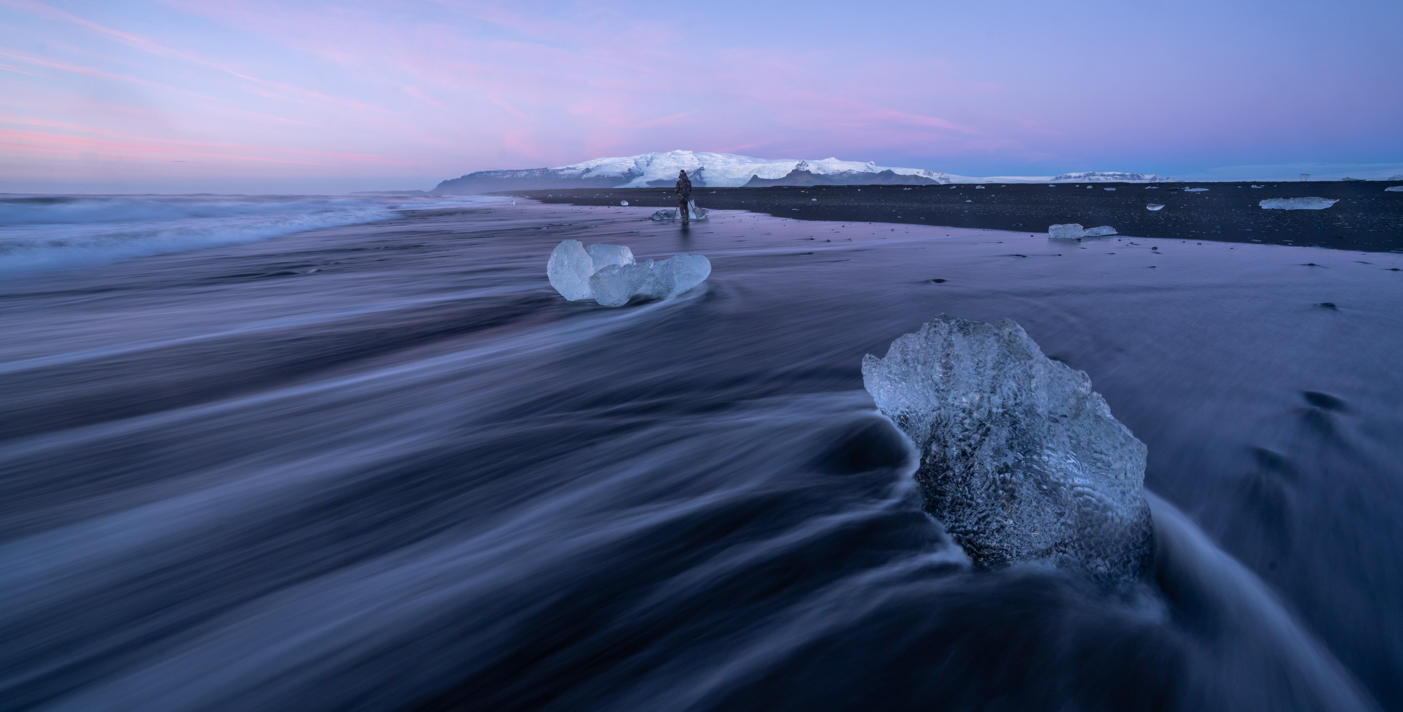
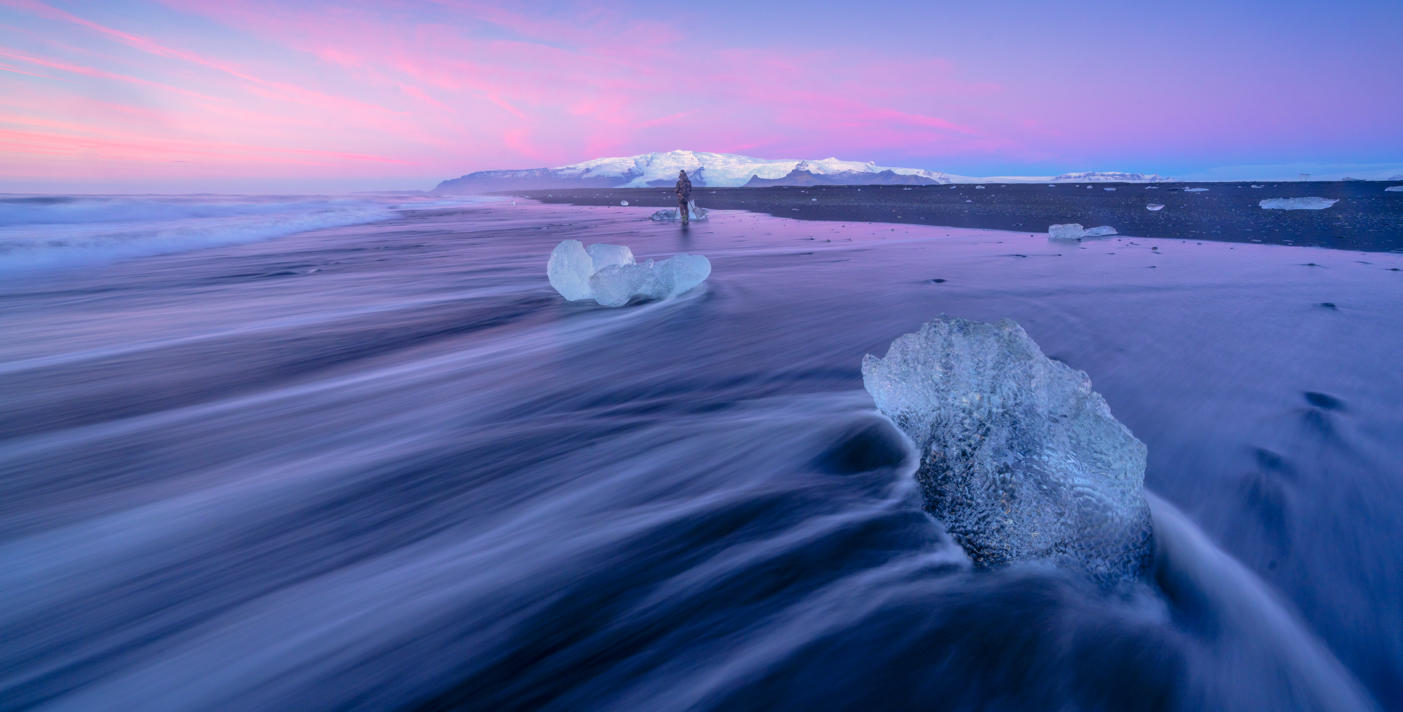
These Presets were designed for the new Luminar course on landscapes. However, they will work on any of your landscape, forest, and cityscape captures. Most of the landscape shots in the course were photographed during the Luminar Camp in Iceland, so you’ll find Presets that work on winter colors, sometimes with spectacular hues.
You will also find dramatic edits along with the usual forest edit effects Albert Dros loves. And as a bonus, you can find Presets for golden light and blue hour cityscapes. Try them out and enjoy!
You'll find 12 Presets in this Pack:
Landscape Sunset Ice: Works well with contrasty sunset images by reducing the contrast, enhancing the sunset tones, and creating better cold/warm separation; also adds a dreamy atmosphere.
Landscape Twilight: Enhances the blues and purples and creates a dreamy twilight look in your images.
Landscape Dramatic: Use this Preset on relatively flat images with gray skies and little texture to transform them into much more dramatic images. Greatly enhances the mood.
Landscape Dramatic Autumn: Creates a dramatic mood and works especially well with autumn images. This Preset greatly enhances autumn colors and creates a color split between dark blues and autumnal oranges.
Landscape Cold Warm Split: Use on your contrasty images to give them warm tones in the highlights and cold tones in the shadows. Works on bigger landscape images but also detail shots!
Forest Exploding Rays: Use this Preset on your forest images that already have some sun rays. This Preset makes a photo look dreamy and enhances the sun rays. Make sure you put the center of the sun (in the Sunrays module) at the position of the actual sun in the photo for the best results!
Forest Summer Dream: Greatly enhances the green tones of summer forests and gives a dreamy atmosphere while retaining that pop.
Forest Autumn Reds: Use on your autumn forest scenes. This Preset greatly enhances the contrast (it works very well on foggy scenes) and really makes the red and orange tones pop.
Eerie Forest Fog: Easily give your forest scenes an eerie look with lots of green tones. Works well on forest photos that are already mysterious and foggy.
Forest Cool-Warm Split: Creates better color separation rather than desaturated forest scenes. It goes slightly towards the cold blue tones while keeping the colors in the warm spectrum.
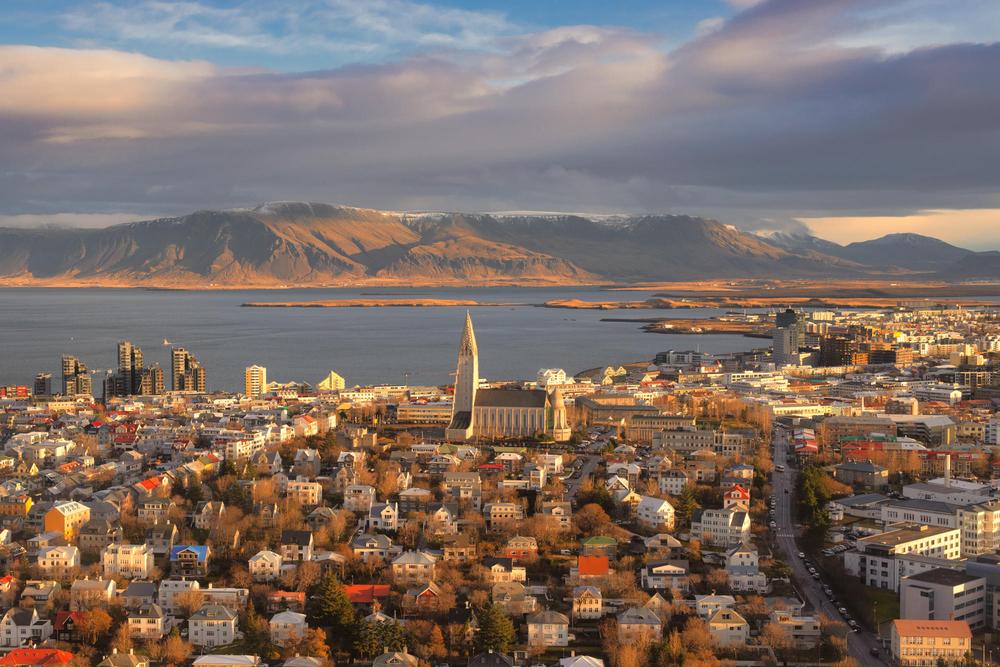
Cityscape Blue Hour: Creates much better color separation for blue hour cityscape shots. Also enhances the sharpness and gives you much more detailed color and tones overall.
Cityscape Golden Light: Enhances your cityscape images shot in the golden light while creating a dreamier atmosphere and enhancing the yellow and orange toning.
Don’t forget to share your results! Use the hashtag #madewithluminar on social media so the Skylum Team can take a look at your work!
Productos relacionados












Creador
Albert Dros
Photographer, writer and educator
Albert Dros is a Dutch landscape photographer who has an extraordinary passion to plan and create unique shots. Volcanoes, solar eclipses and unique aspects of nature draw his attention. He doesn’t just go for the simple shot.
"Go big or go home" is his motto, always trying to add some unique element to his shots.
His work has been recognized on a worldwide scale and he has been published worldwide in the biggest media outlets.
Albert travels a lot as a photo educator but also for personal projects. But even in The Netherlands, he can’t stop photographing. His inspiration never stops.