 © Richard Bernabe
 © Richard Bernabe
 © Richard Bernabe
 © Richard Bernabe
Descripción
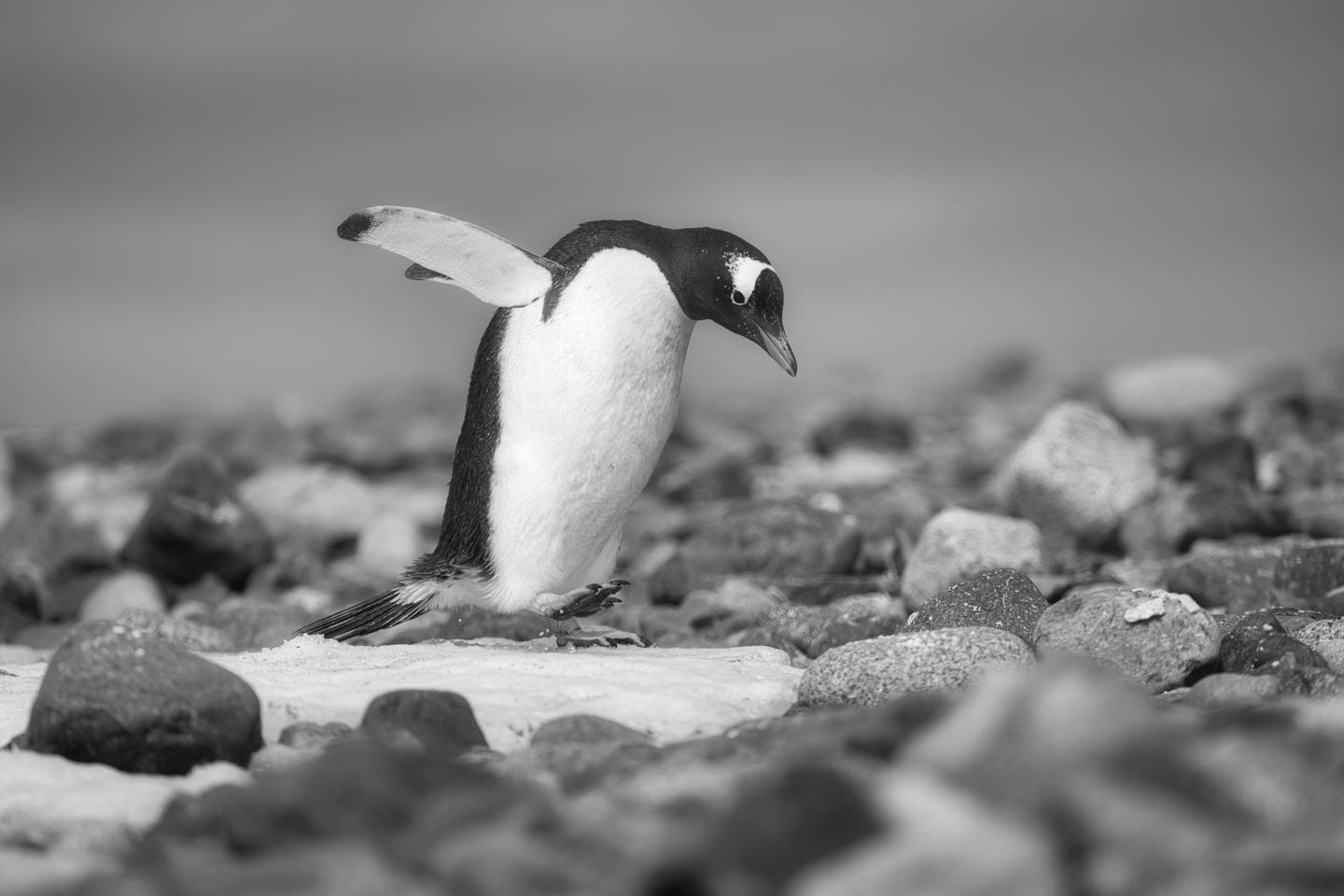
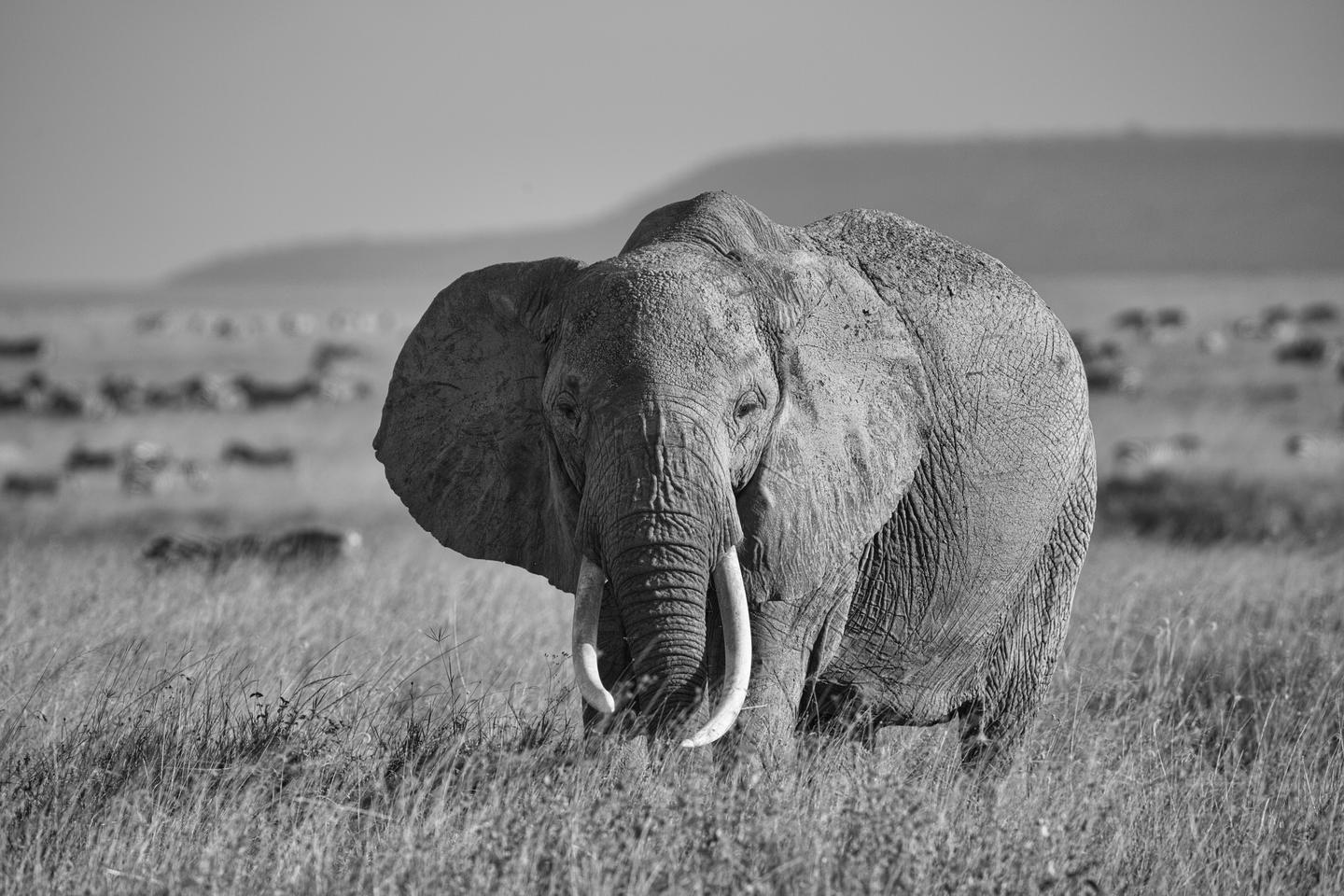
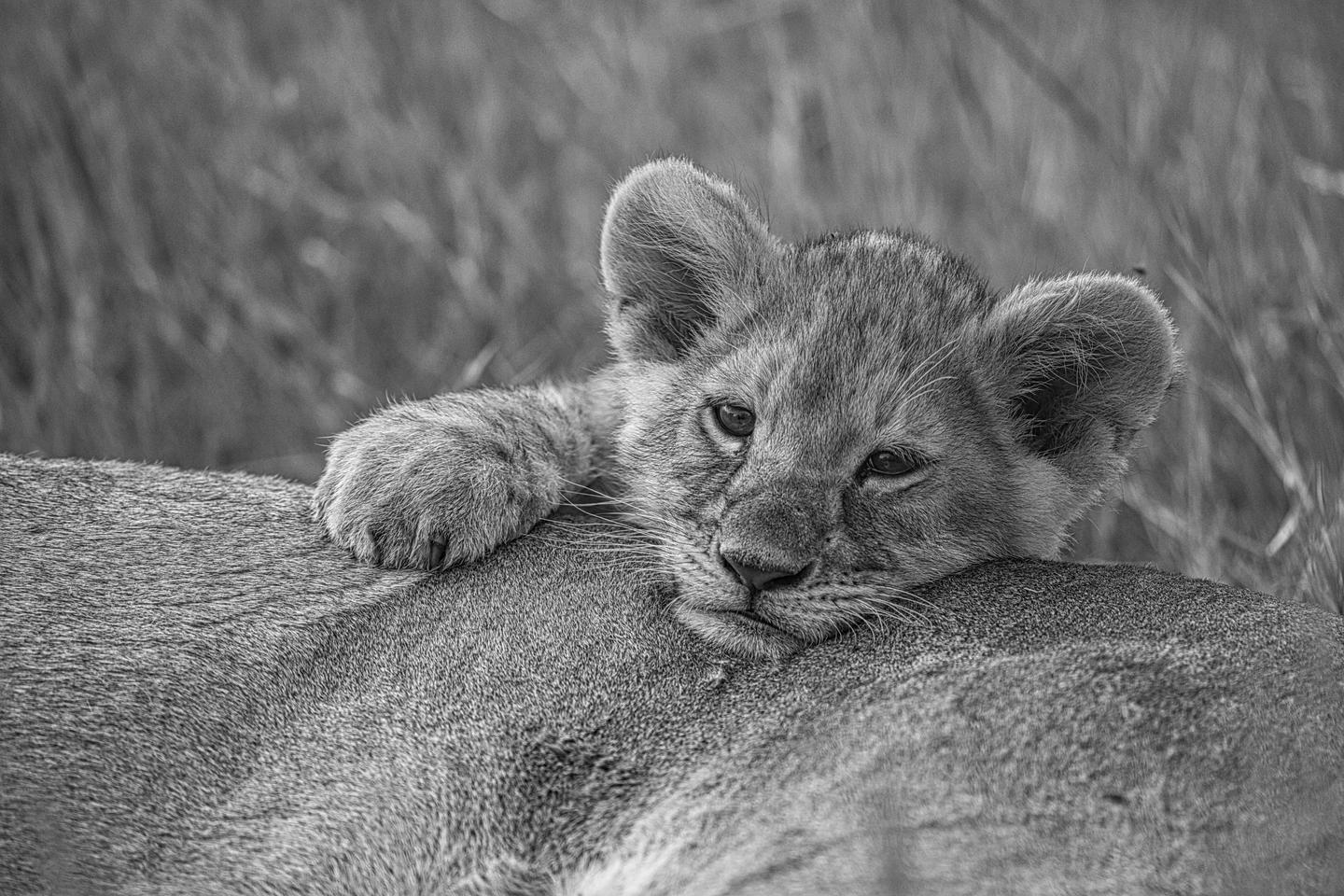
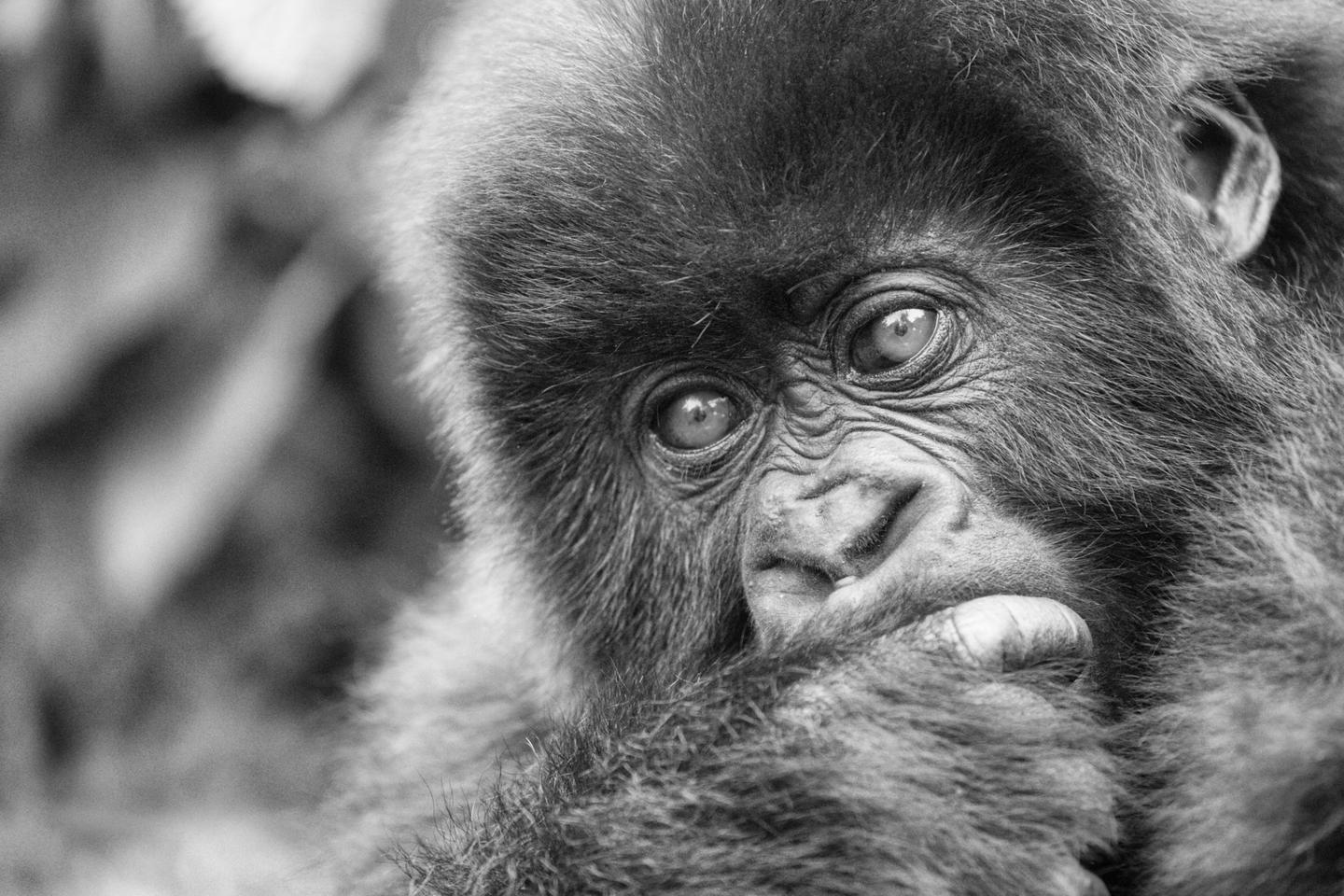
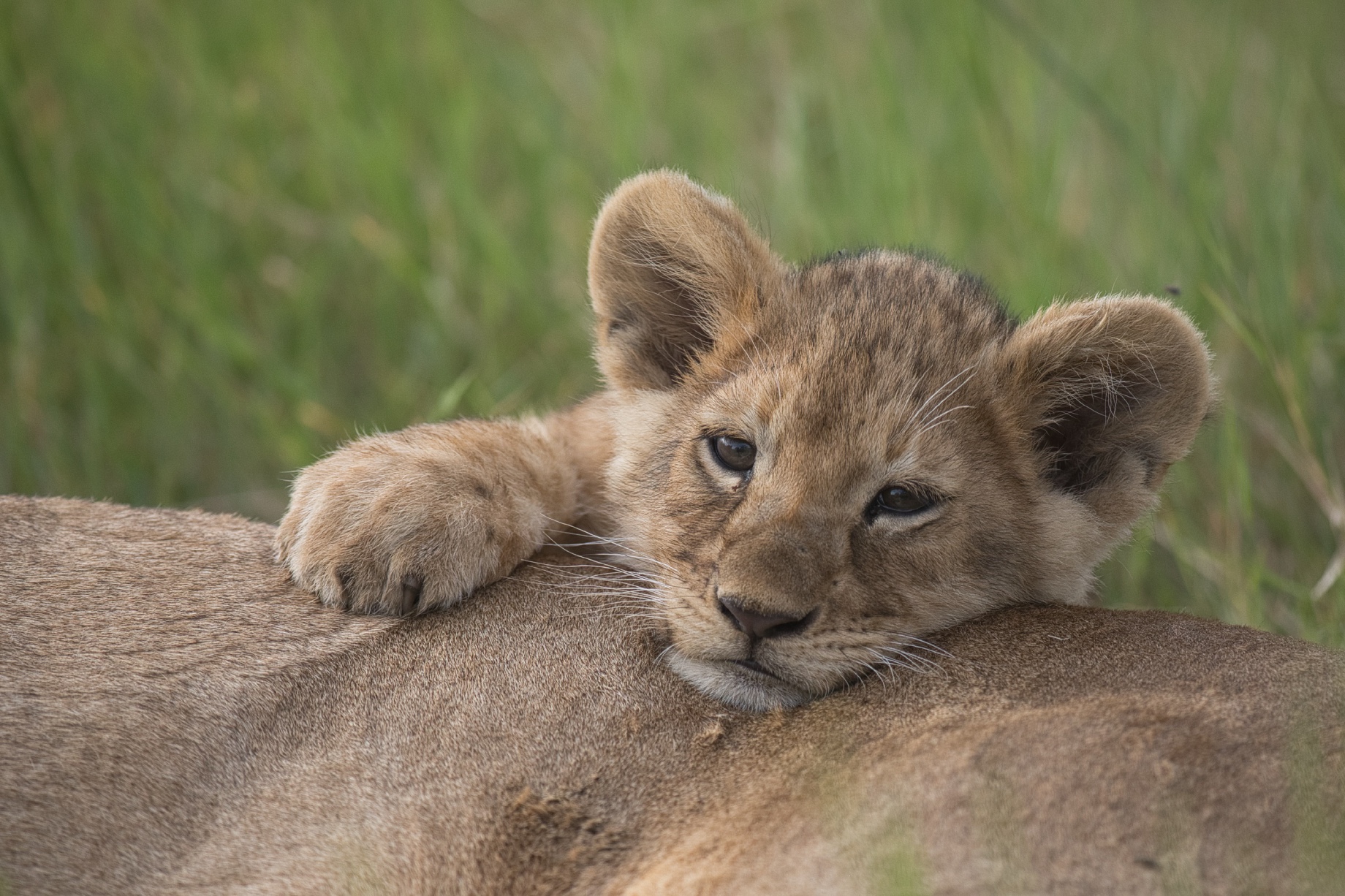
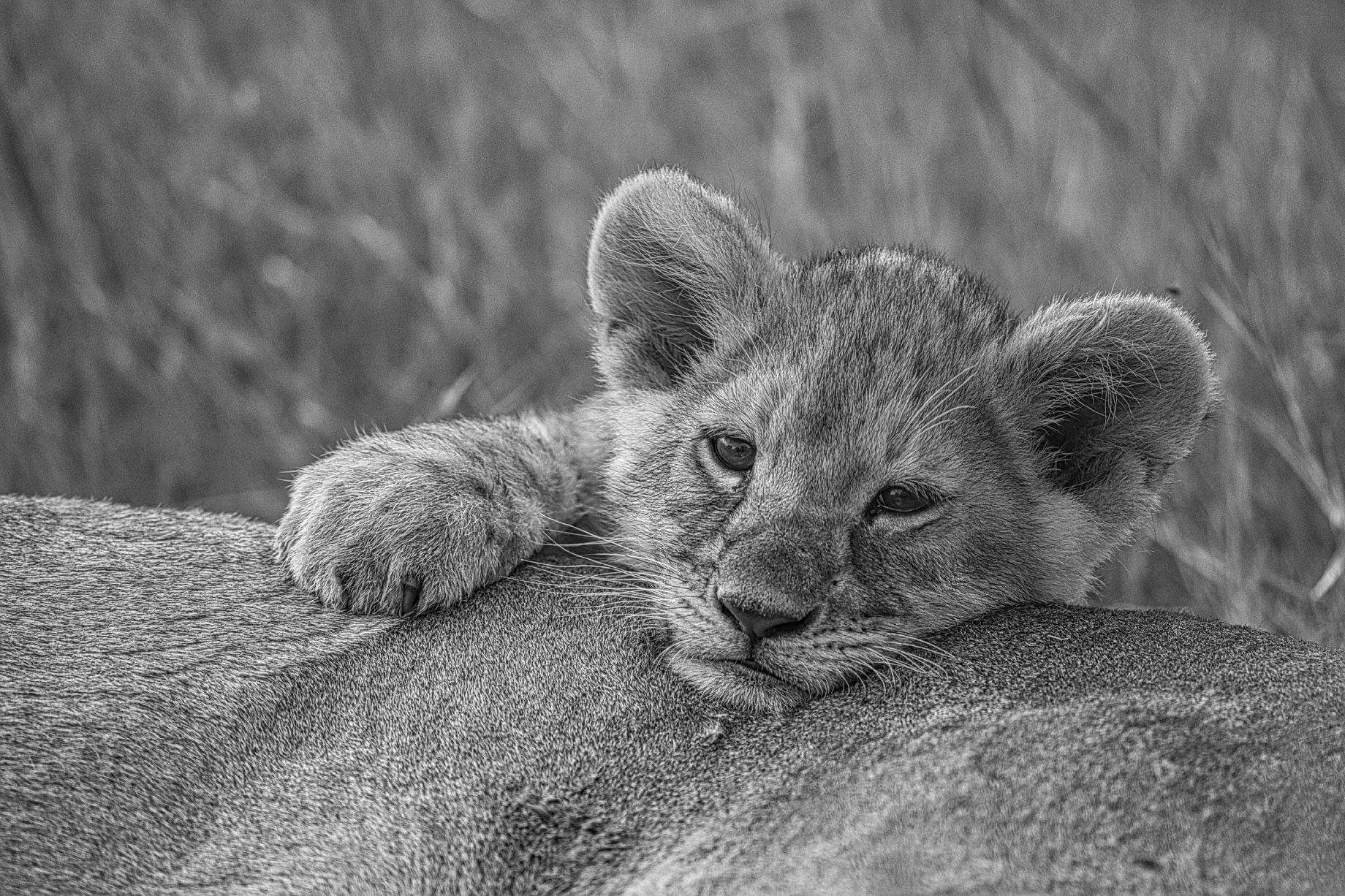
Esta colección de 11 conversiones a blanco y negro transformará tus imágenes de fauna y flora en color en elegantes obras de arte monótonas. Cada Plantilla/Look utiliza diferentes grados de contraste, textura y tonos para crear una variedad de estados de ánimo y niveles de detalle en las imágenes de la vida silvestre.
Consigue fotos como estas
Con los archivos RAW proporcionados, practicarás fácilmente los consejos de retoque y aprenderás a conseguir fotos como estas.
La historia
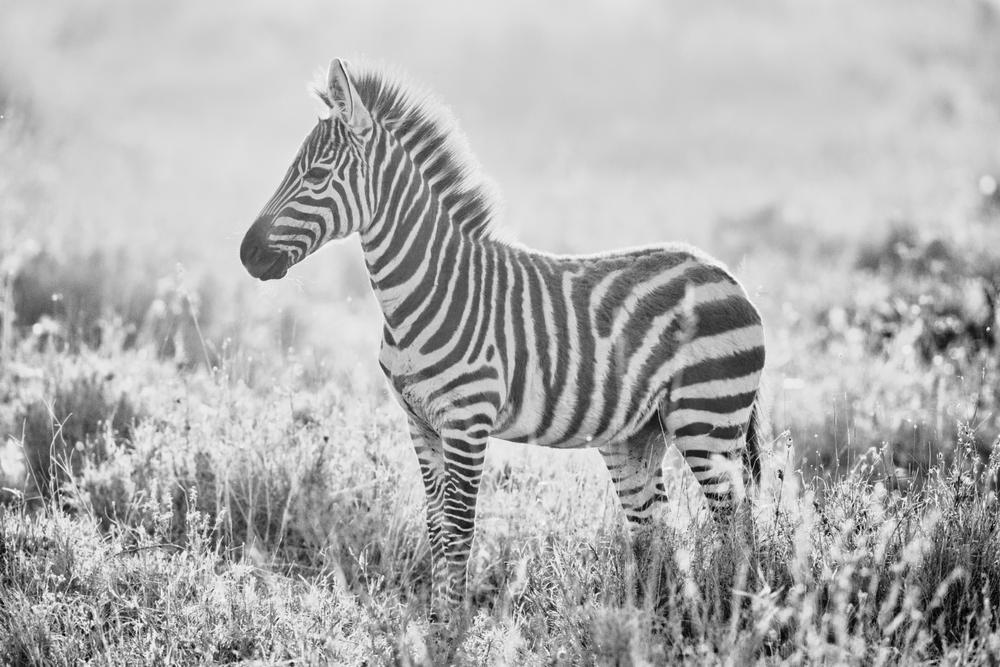
Most of my wildlife encounters involve dazzling color and light, and I usually prefer those elements to be a part of the story I tell through my wildlife images. But every so often, color doesn’t help with what I want to communicate, and a simpler, graphical interpretation is more effective and compelling than the color version. That’s when I look to experiment with black and white. I started creating black and white wildlife Templates for my own use and eventually decided to share these with you in a Templates pack. Depending on the animal and the type of fur or feathers, I might want a Template with a great deal of structure to bring out the detail, such as Essence or Texture. But sometimes a softer Template is more appealing, like Velvet or just the Standard black and white Template. Strong contrast is always important to black and white photography, so I also created Bold and High Contrast Templates. There are also toned B&W Templates and others to really make your black and white wildlife images pop off the screen!
Productos relacionados










Creador
Richard Bernabe
Worldwide Photographer. Skylum Ambassador.
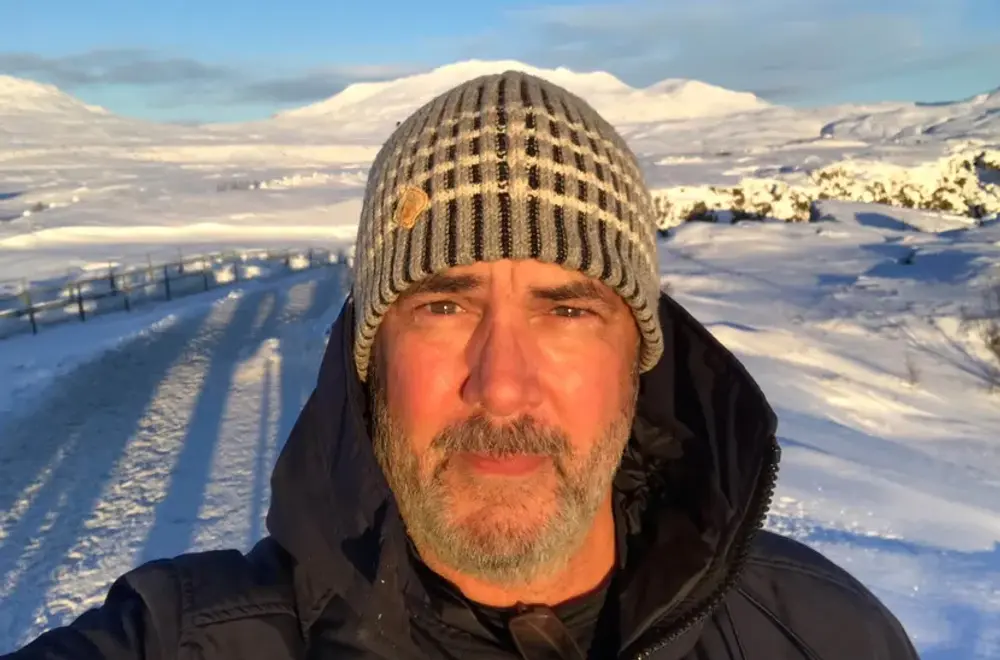
Richard Bernabe is an internationally renowned nature, wildlife, and travel photographer as well as a widely published author from the United States. His passion for adventure has been the driving force behind his life’s quest to capture the moods and characters of the world’s most amazing places, from Africa to the Amazon to the Arctic and countless places in between.
Editorial clients include National Geographic, The New York Times, Time, Audubon, The BBC, The World Wildlife Fund, National Parks, Outdoor Photographer, and others. Corporate clients include Canon, Patagonia, Orvis, REI, Apple, Microsoft, and American Express, and others.