 © Vladans
 © Lek
© Lek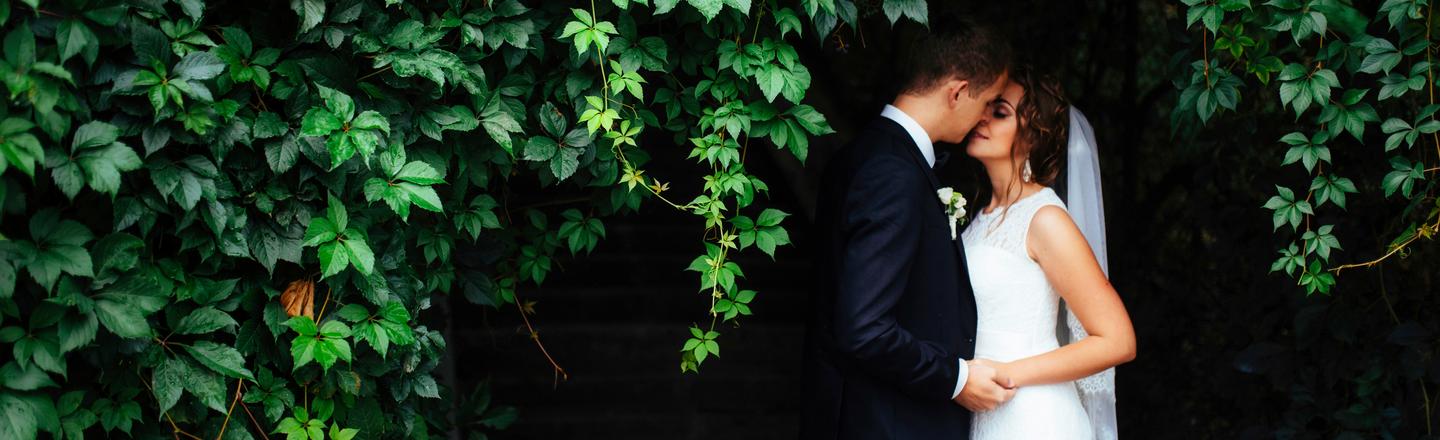 © mstandret
Descripción
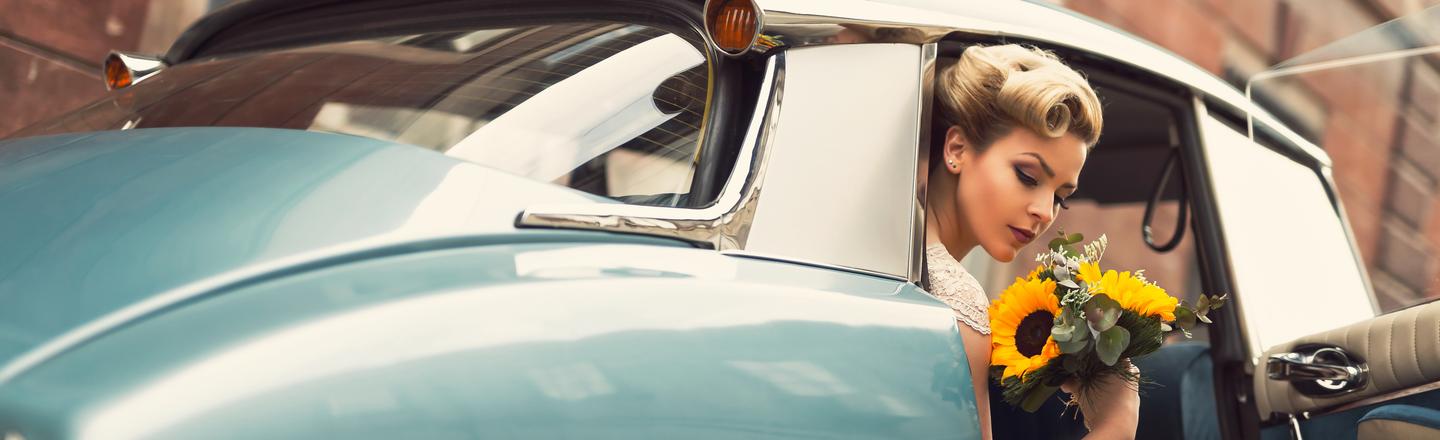
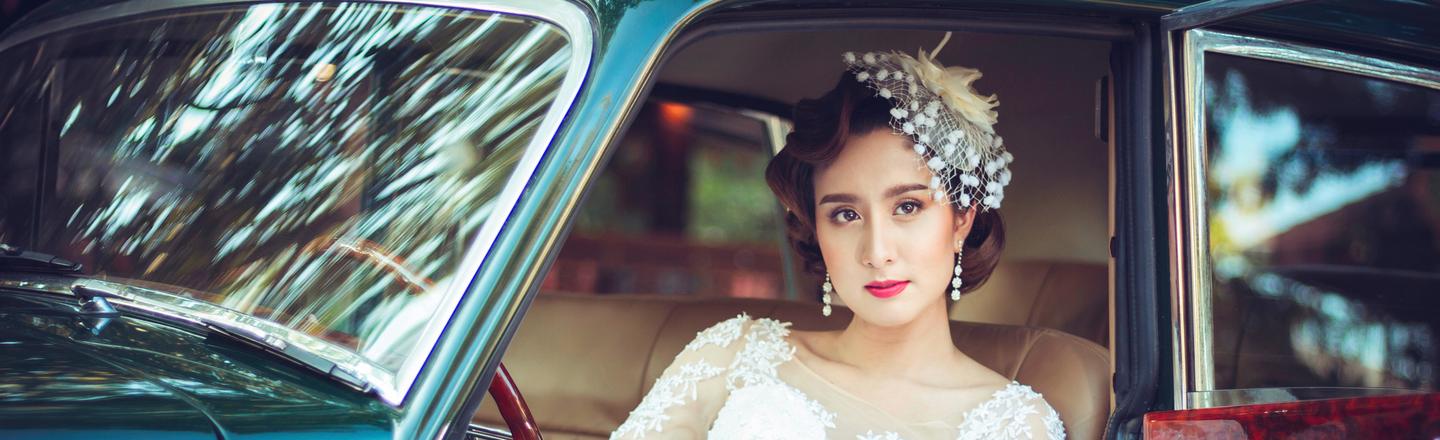
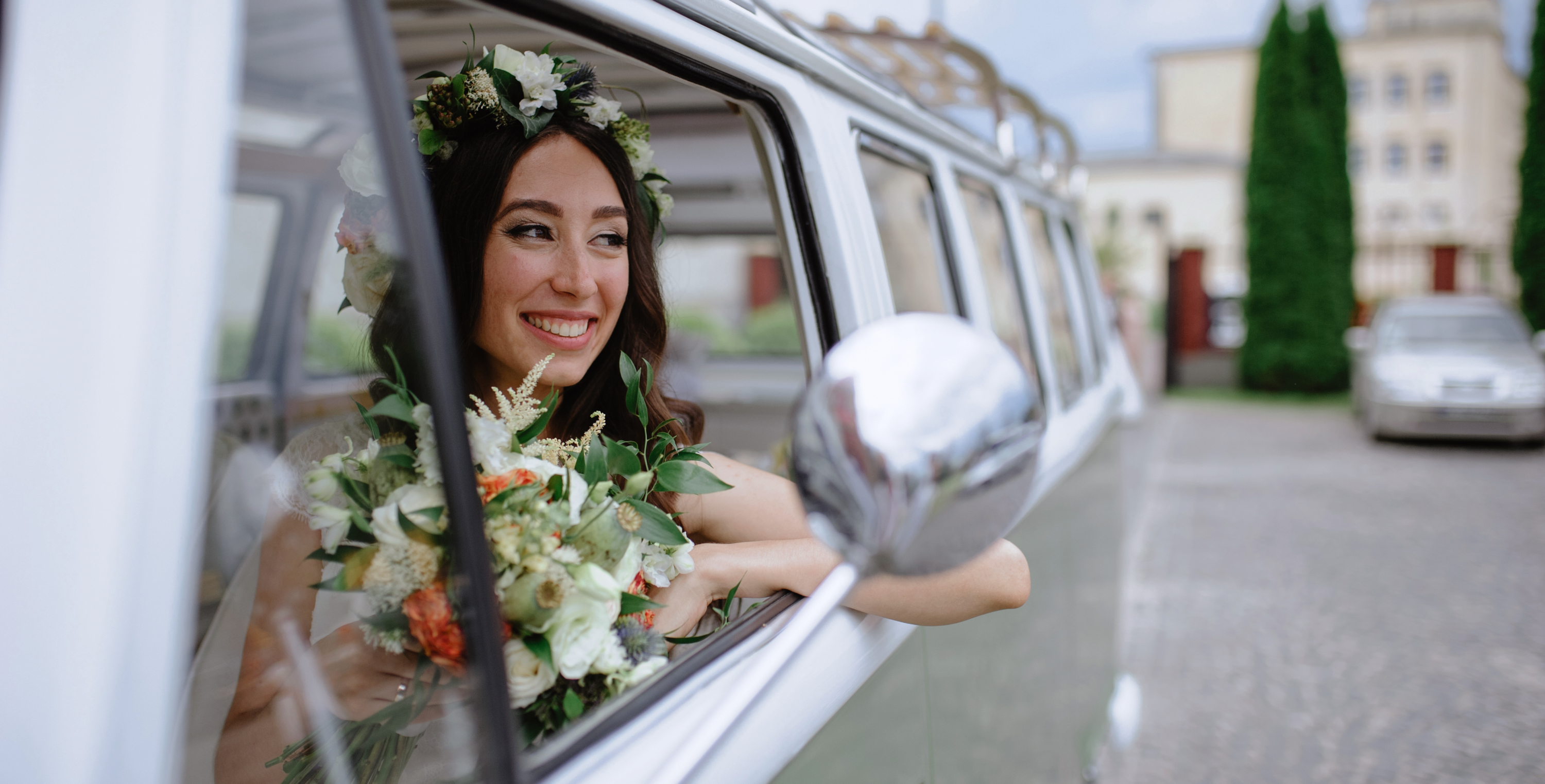
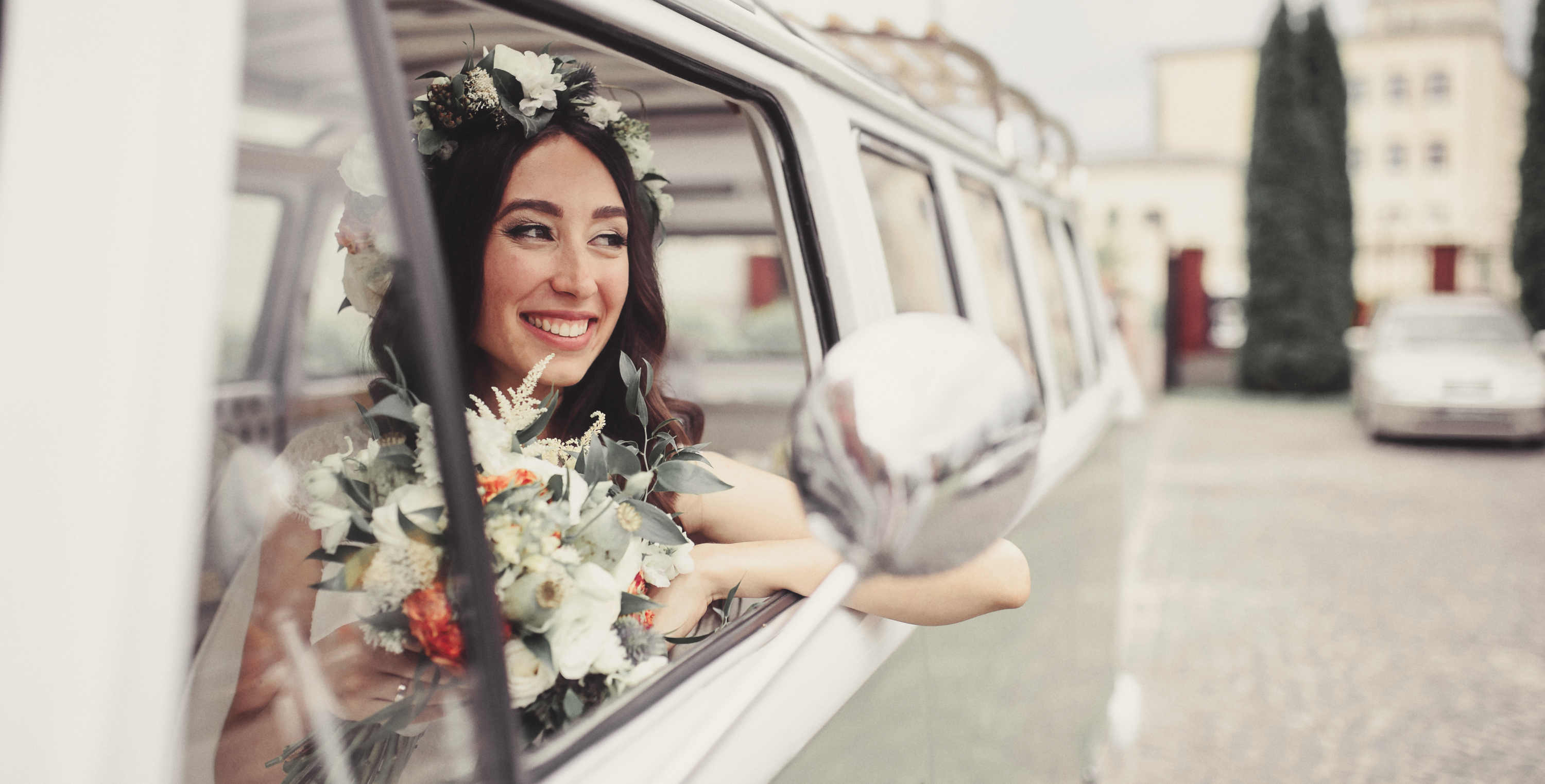
Every wedding should have photos that capture the joy and emotion of the day. But why settle for average when you can create something truly special? Our collection of 30 wonderful Presets helps you do just that, allowing you to immortalize your big day in images that reflect its unique beauty. Get 30 impressive Presets for weddings in one incredible bundle created by Clever Photographer. The bundle includes three Preset collections: Vintage Wedding for that special retro vibe, Soft & Light Wedding for a fairy tale feel, and Summer Wedding for an outdoor celebration. Take control of how your special memories look and ensure they last forever with these beautiful Presets!
Qué incluye
3 Preset Packs by Jakub Bors: Vintage Wedding, Soft & Light Wedding, Summer Wedding
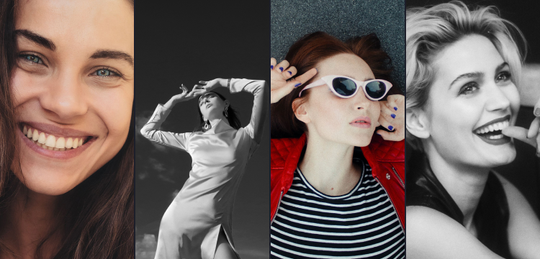
Consigue fotos como estas
Con los archivos RAW proporcionados, practicarás fácilmente los consejos de retoque y aprenderás a conseguir fotos como estas.
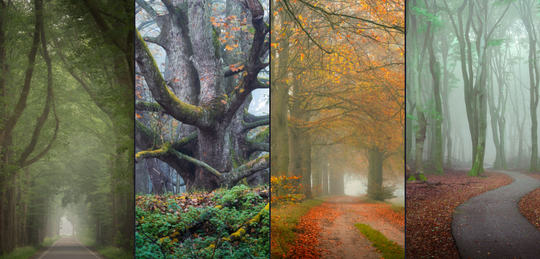
Productos relacionados






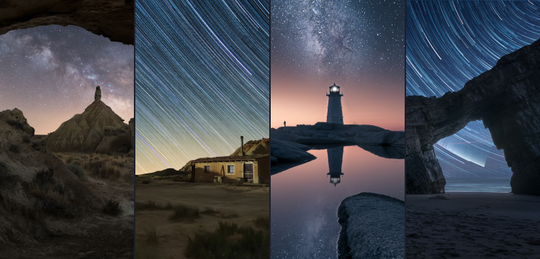


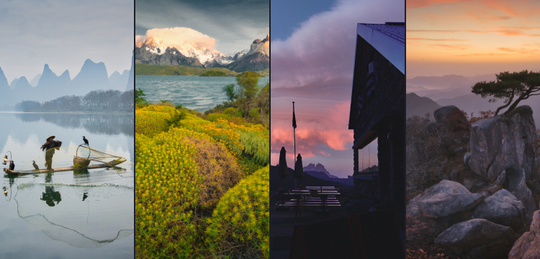
Creador
Jakub Bors
Co-Founder of Clever Photographer
Jakub Bors is a UK-based landscape photographer with over 15 years of experience in digital art and technology. He’s most inspired by the work of Trey Ratcliff and Scott Kelby. Jakub has a large and supportive fanbase on social media that joins him regularly for his photography workshops in the UK and worldwide. He sells fine art photography worldwide prints, has worked for PX500 and Trivago on their European projects, and has had his work published in several magazines, including National Geographic. His passion for traveling has brought Jakub to almost every corner of the planet and helped him connect with amazing people.