Luminar Made Easy (2026 Edition): A Simple Step-by-Step Photo Editing Course
10 Modules: 48 lessons
More than five hours of video material.
Practice RAW files
Use 60+ RAW files from the course lessons to gain new editing skills.
Cross-Device Editing
Learn how to build your best Luminar workflow - from mobile to desktop.
Was du lernen wirst
Discover a complete, beginner-friendly photo editing workflow in Luminar — from importing and organizing your images to creating polished, professional-looking results. Learn how to navigate the updated Luminar interface, understand RAW and JPEG files, read histograms, and build a strong editing foundation in exposure, tone, color, Curves, white balance, optics, sharpening, and noise reduction. Master composition, contrast, color grading, masking, and layers to gain precise control over every part of your images. Explore Luminar’s powerful AI tools for landscapes, portraits, creative effects, image cleanup, sharpening, generative editing, HDR, panoramas and focus stacking. Finish by learning how to create and apply presets, batch edit multiple photographs, work seamlessly across desktop and mobile, integrate Luminar with Lightroom or Photoshop, and export and share your finished work.
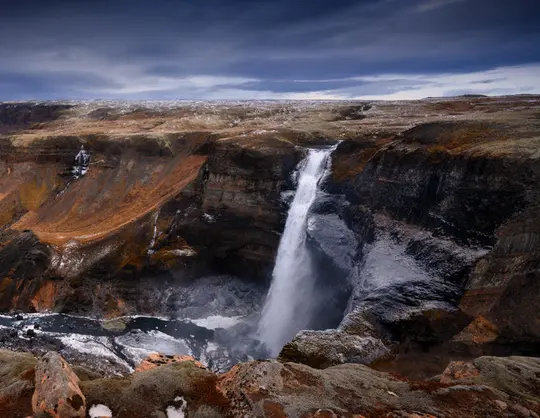
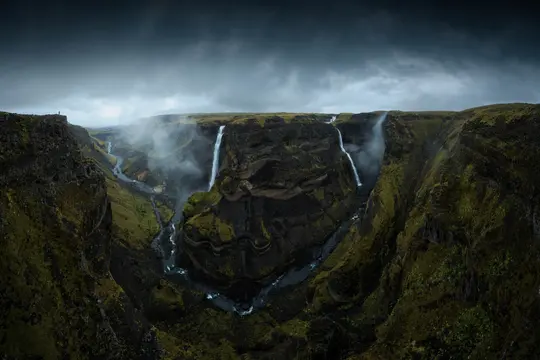
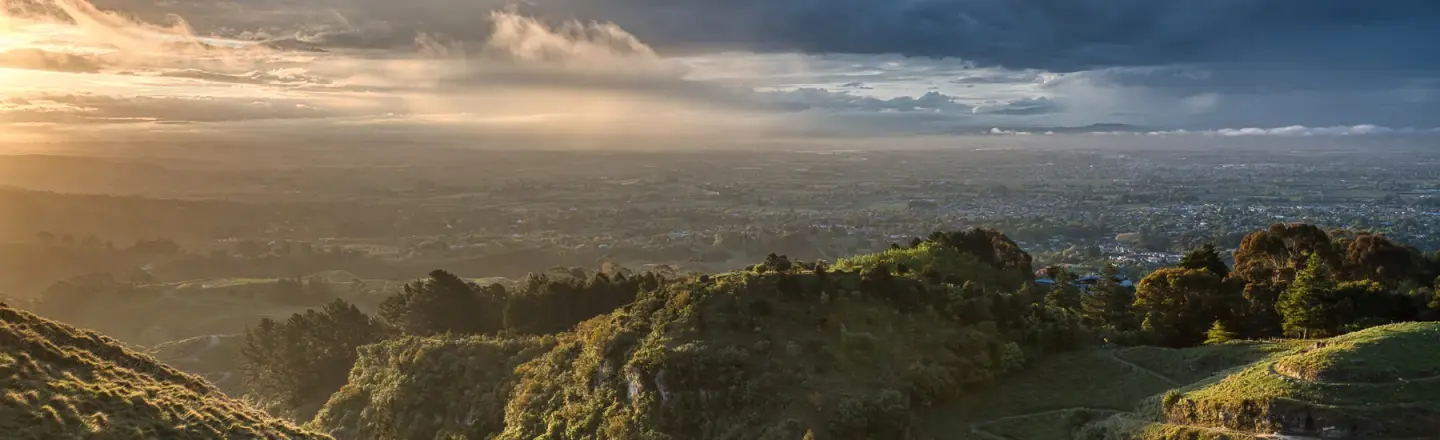
Mach Fotos wie diese
Nutze die im Kurs vorgestellten Techniken und Workflows, um solche Fotos zu machen.


Ein Wort des/r Autors/in
I’m genuinely excited to share Luminar Made Easy 2026 with you. I’ve been a photographer for more than 20 years, working across landscape, wedding, architectural, and commercial photography. Still, photo editing has always been one of the parts of the creative process I enjoy most.
This course is designed to help you feel confident inside Luminar without overwhelming you with every slider and setting. Rather than simply learning what the tools do, I want to help you think like a photo editor: look at an image, ask what it needs, and then choose the right tools to solve those problems.
We’ll build from the fundamentals of RAW development, contrast and color through to masking, layers, creative tools, AI features, image cleanup and more advanced workflows. Whether you’re completely new to Luminar or want a clearer, more structured way to edit your photographs, I hope that this course gives you both the practical skills and the confidence to develop your own style.
Most importantly, experiment, have fun, and enjoy the process.
Anthony Turnham
Anthony Turnham

Schau dir den Prozess an
Preise
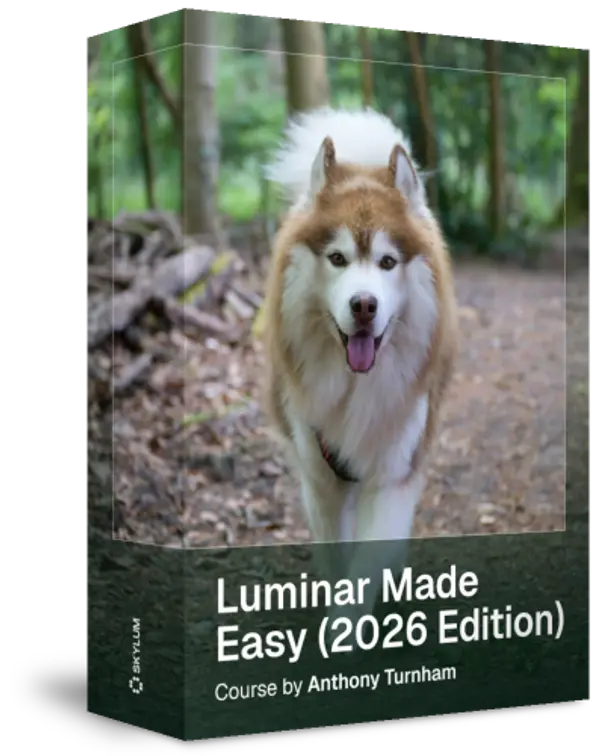
Luminar Made Easy (2026 Edition) by Anthony Turnham
Discover a complete, beginner-friendly photo editing workflow in Luminar — from importing and organizing your images to creating polished, professional-looking results
Entwickelt von
Anthony Turnham
Professional photographer & photography educator
Anthony moved to New Zealand in 2006 and began his professional photography journey shortly after. Working within a variety of photographic genres has given him an invaluably broad knowledge of different types of photography.
After a couple of decades as a full-time professional photographer, more recently Anthony Turnham has refocused his efforts on sharing his extensive knowledge with the photographic community by giving free training on his YouTube channel. While Anthony still undertakes specific commissions for architectural photography and relish the technical side of this genre, Anthony has dedicated more time to his passion for landscape photography.
Anthony has been a finalist in Wedding Photographer of the Year and won awards in different photography categories, including several coveted GOLD Iris Awards. He is and he is proud to have been awarded the title "Master of Photography" by the New Zealand Institute of Professional Photography.

Ähnliche Produkte