
Excire Foto 2027
Discover Excire 2027's advanced features for seamless photo and video organization — an ideal match for Luminar’s editing power to streamline your entire workflow.
$249.00
Meet the new Excire Foto 2027
Excire’s flagship program is designed to help photographers effortlessly organize, search, and manage growing photo and video libraries. New AI-powered tools introduce intelligent text recognition, an interactive World Map View, a visual Timeline, and advanced filtering that combines AI analysis with metadata for faster image discovery.
Workflow improvements also make culling, comparing, and selecting your best photos quicker than ever — all while keeping your files completely private through local AI processing.
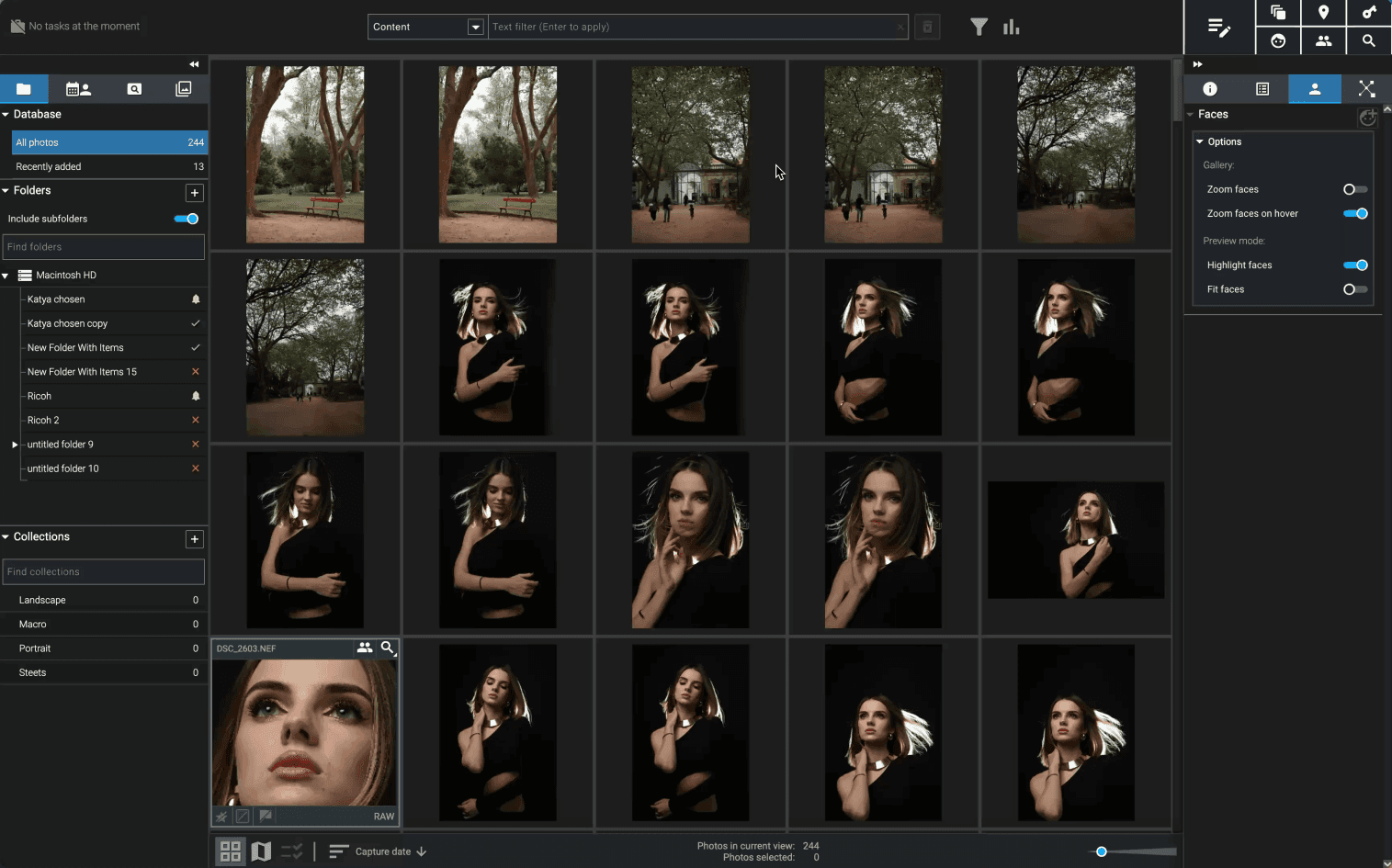
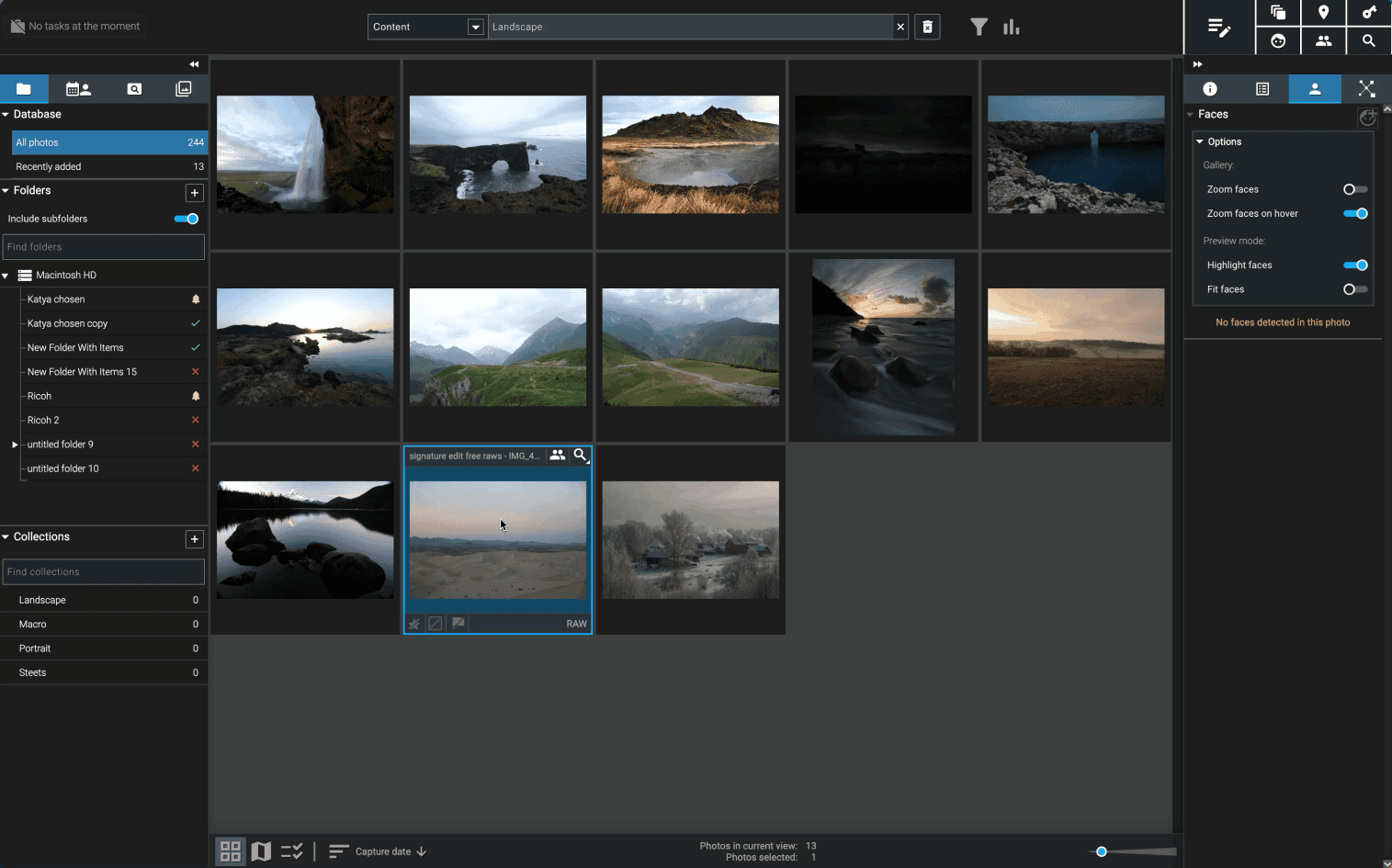
Highlights of Excire Foto 2027 include:
AI-powered text recognition and searchable text within images
Interactive World Map View for exploring photos by location
Unified AI and metadata filtering for precise image discovery
New Survey View for faster culling and image comparison
Composition grid and Focus Peaking for more confident image selection
Local AI processing that keeps your photos and videos private
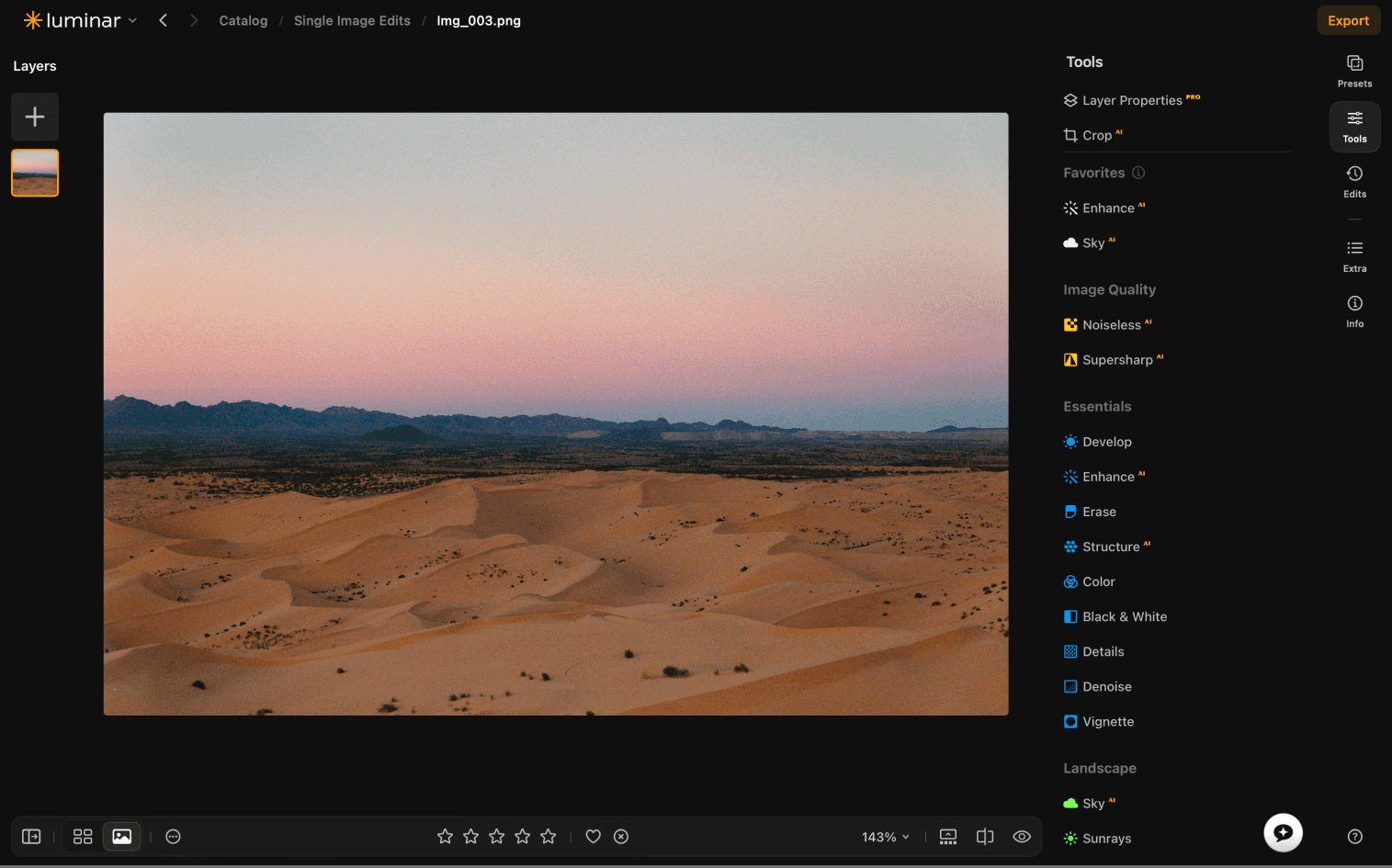
Compatibility with Luminar
Visual Timeline for browsing your archive chronologically
Maximize your workflow with Excire Foto 2027 and Luminar
Combine the power of Excire Foto 2027 and Luminar to unlock a faster, smarter photography workflow. With Excire Foto 2027, you can effortlessly organize, search, and explore your entire photo library. Once you've found the perfect shots, open them in Luminar to enhance them with powerful AI editing tools and creative effects.
It's the perfect combination — Excire Foto 2027 keeps your growing library organized and easy to navigate, while Luminar helps transform your photos into stunning final images. Together, they save time, simplify your workflow, and let you focus on creating your best work.
Watch Excire Foto 2027 in action
See how Excire Foto 2027 can help you manage your photos faster and more effectively.

Organize your photos efficiently with Excire Foto 2027’s new innovative features
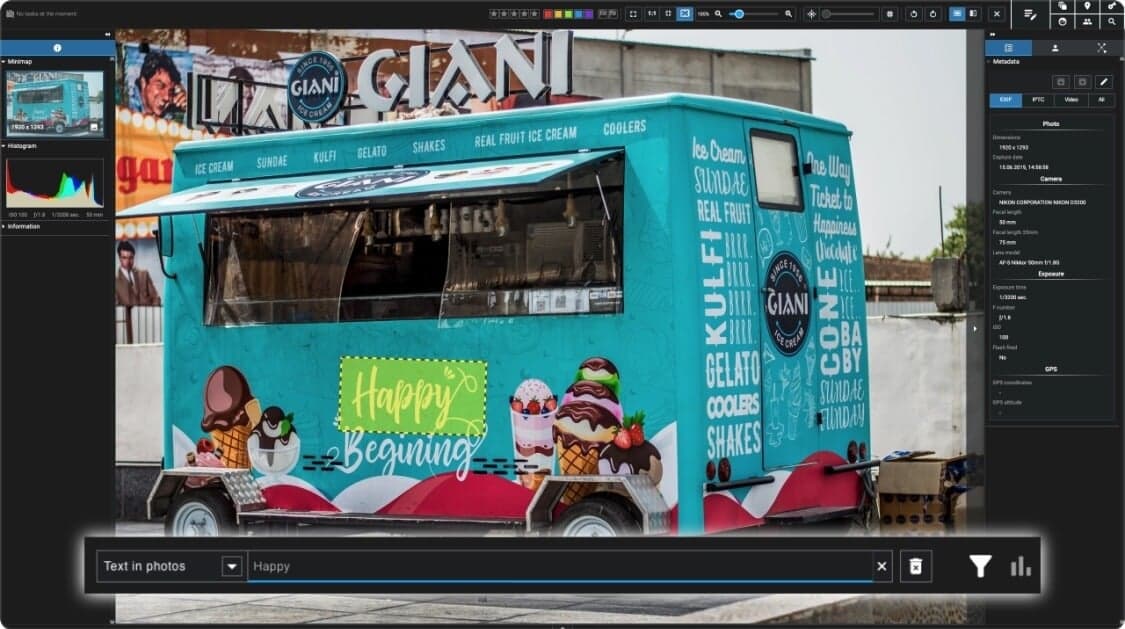
Smart Text Recognition
Search your photos by the words they contain. Excire Foto 2027 automatically detects and indexes text in signs, posters, documents, storefronts, and more, making it easy to find the exact image you need.
World Map View
Explore your photo library by location. View images and videos with GPS data on an interactive map and rediscover your travels, assignments, and adventures from a whole new perspective.
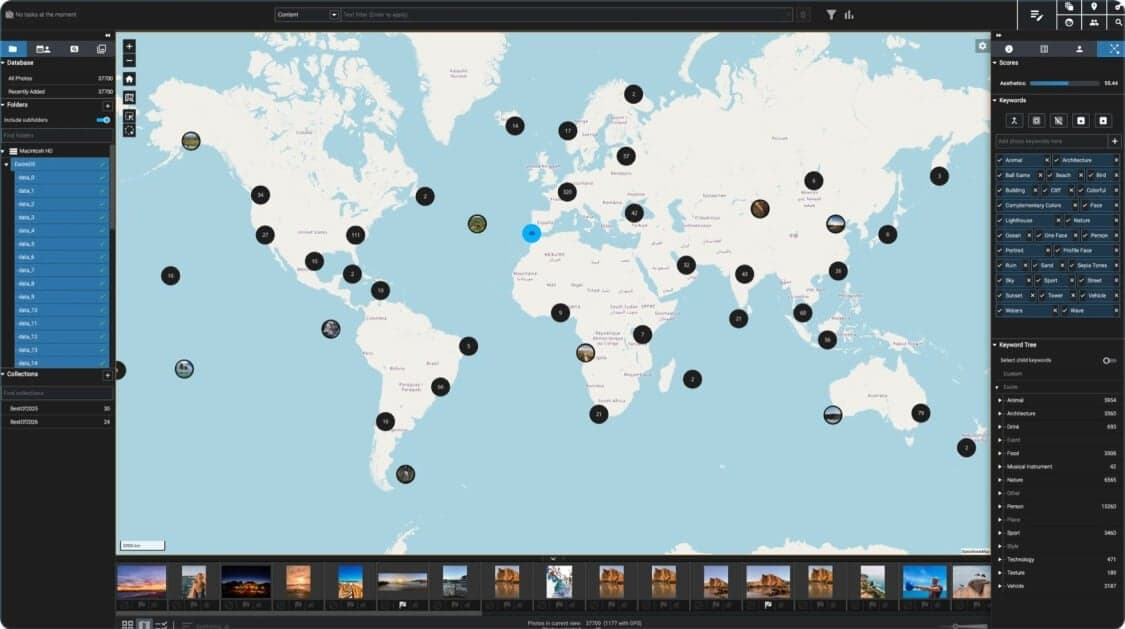
Visual Timeline
Browse your archive through time. The new visual Timeline lets you quickly jump to specific dates and events, making large photo collections easier to navigate.
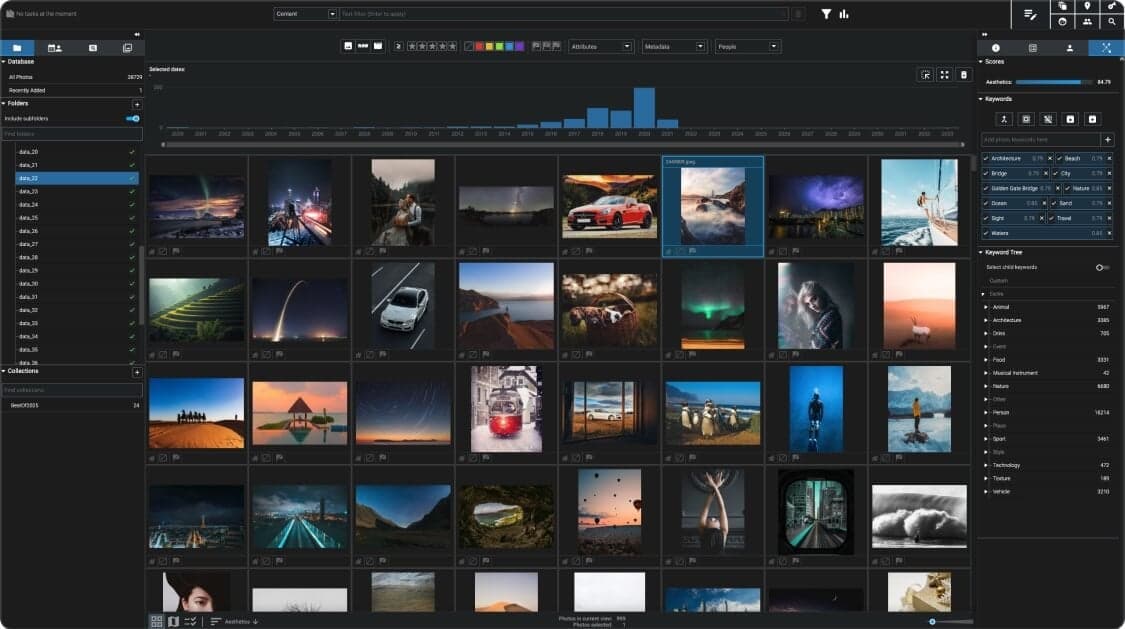
AI-Powered Filtering
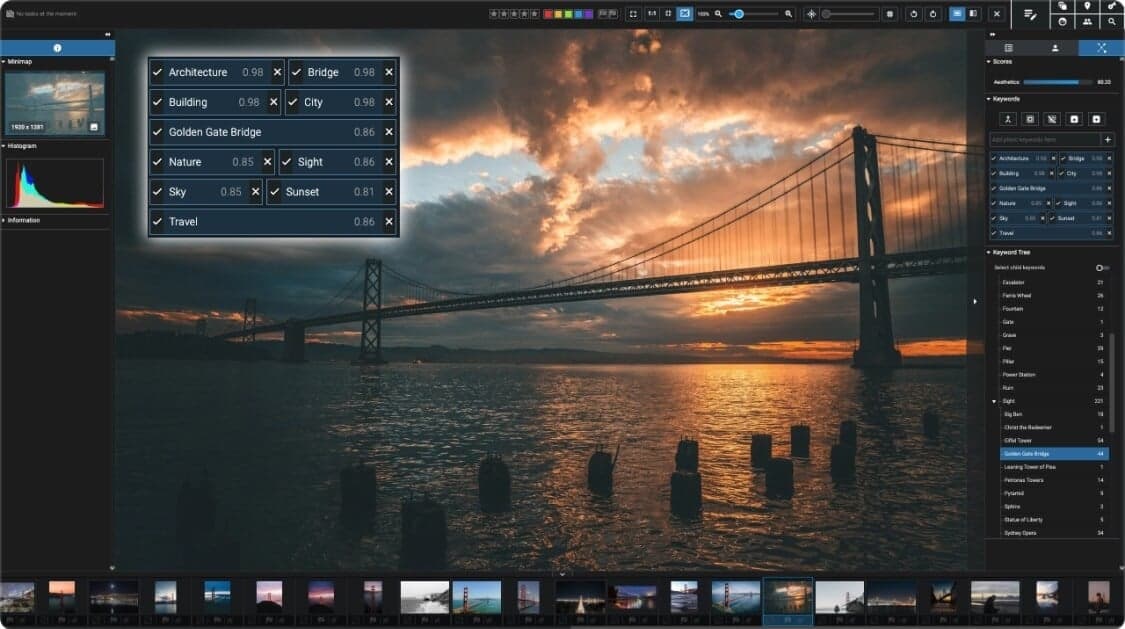
Find exactly what you're looking for in seconds. Combine AI-powered content recognition with metadata filters — including people, text, ratings, camera, lens, and more — for highly precise searches.
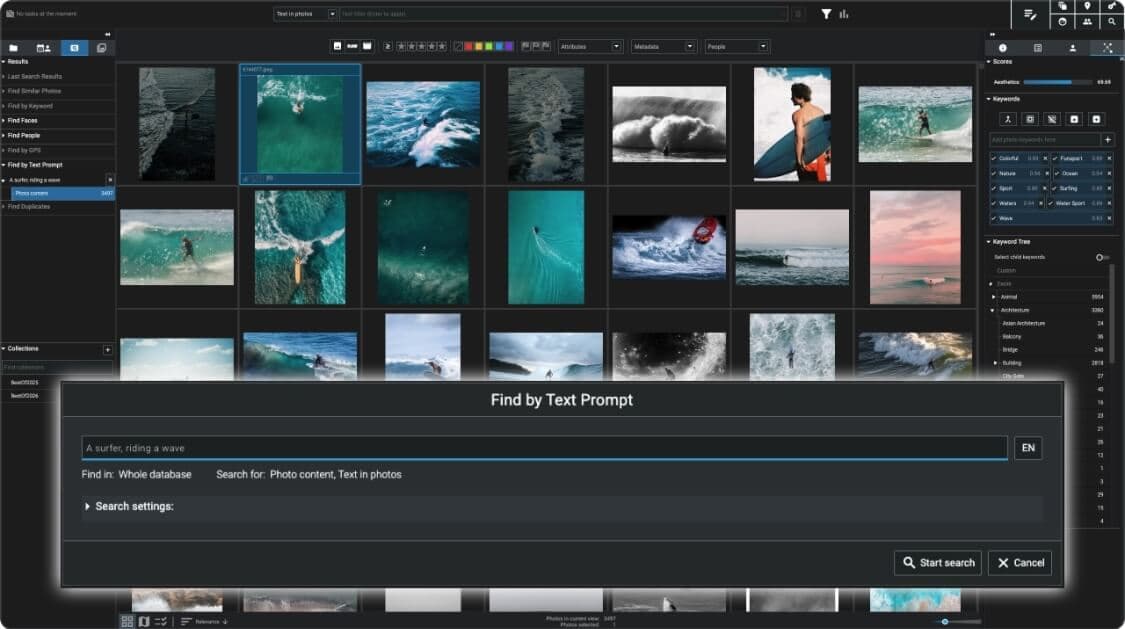
Survey View
Review and compare multiple images side by side. Survey View helps you rate, select, and cull large photo sets faster, whether you're working on weddings, travel, or event photography.
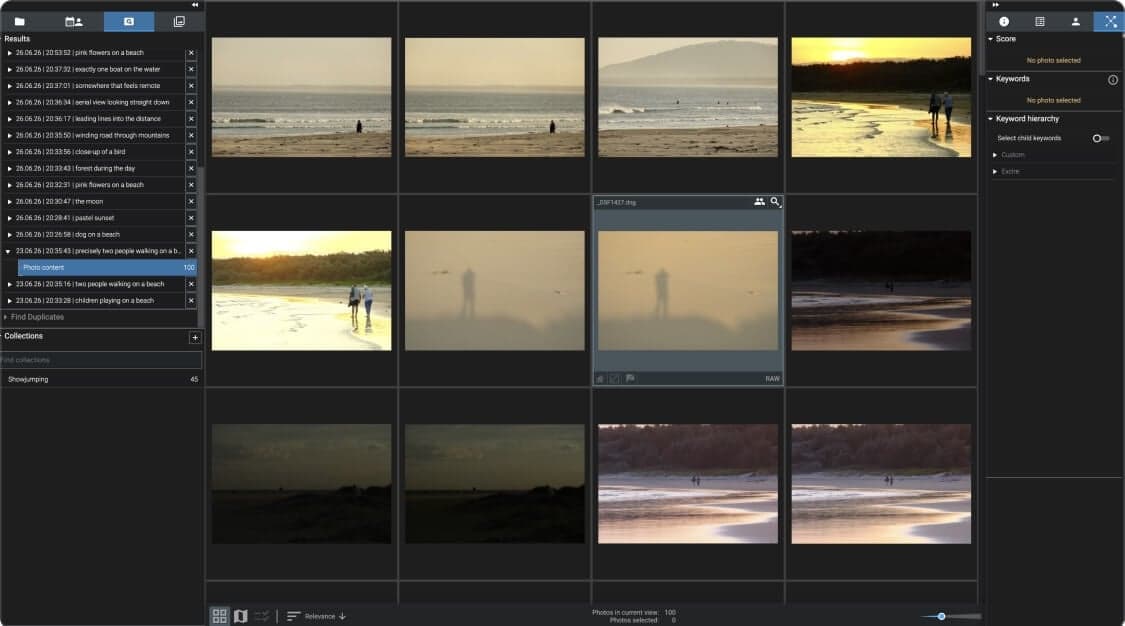
Focus Peaking & Composition Grid
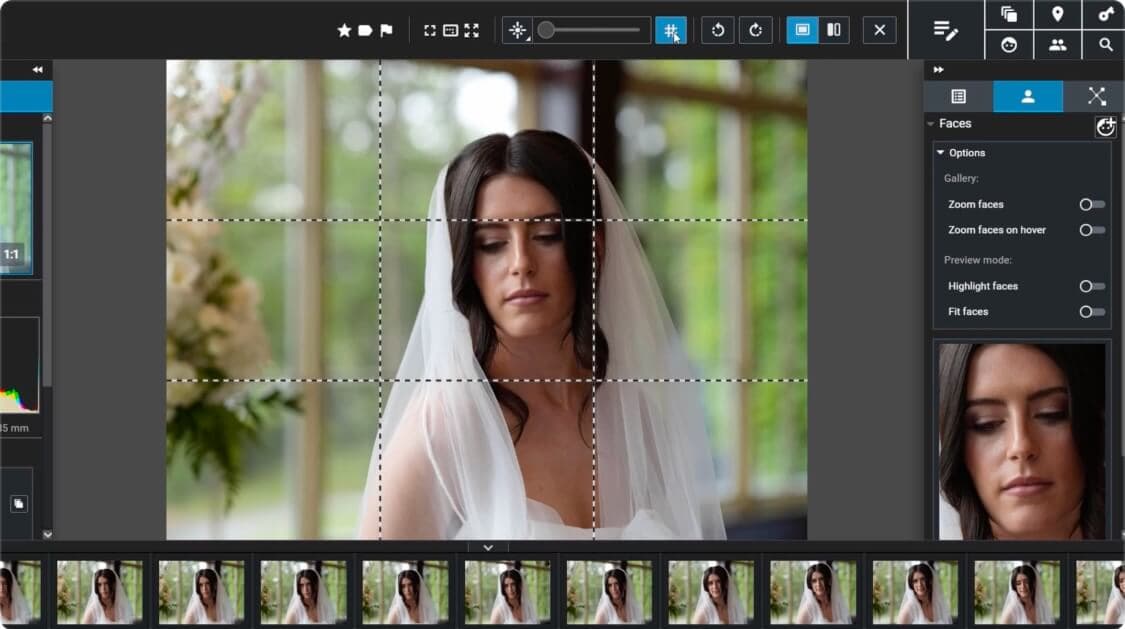
Choose your best shots with confidence. Focus Peaking highlights sharp areas instantly, while the 3×3 composition grid helps you evaluate framing and composition during culling.
Faster Library Navigation
Work more efficiently with expanded metadata tools, quick folder and collection search, customizable interface options, and improved sorting designed for large photo libraries.
Enhanced Video Support
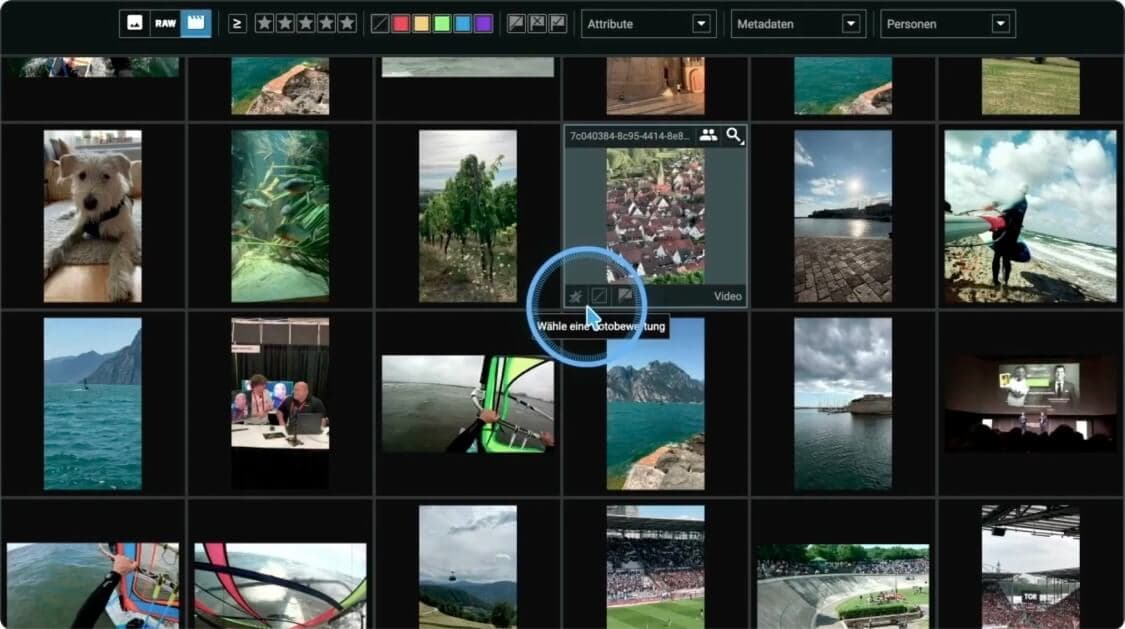
Manage videos alongside your photos with greater flexibility. Enjoy improved video export options and easier collection sharing within your workflow.
Local AI Processing
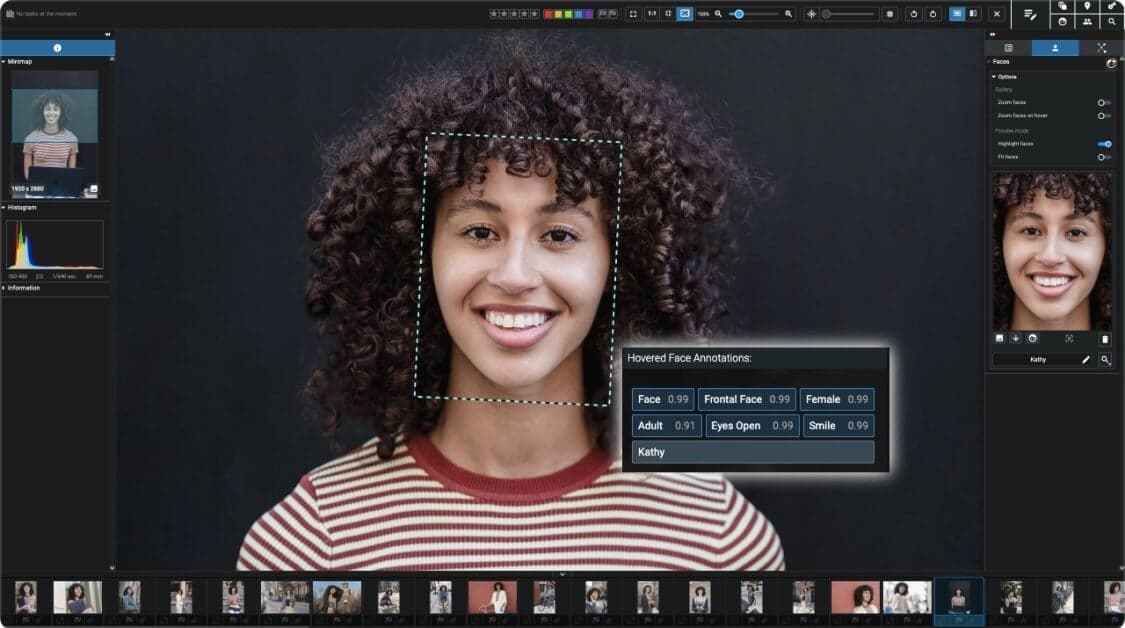
Keep your photos private at all times. Every AI feature runs locally on your computer, so your images and videos never need to be uploaded to the cloud.



Excire Foto 2027
- One-time purchase, no subscription required.
- 14-day money-back guarantee
- License valid for macOS and Windows
- Newsletter for free updates and special upgrade offers
$249.00
Minimum system requirements


- Supported languages
- German & English
- Current version
- 3.1.2
- Processor
- Multi-core processor with 64-bit and AVX support. Older AMD processors like AMD Phenom(tm) II X6 1100T and AMD Phenom(tm) II X (also known as AMD Athlon II X4 640) are not supported. Intel Core 2 Duo processors are not supported.
- Operating system
- macOS 10.14 (or newer) or Windows 10 (64-bit) or Windows 11 (64-bit)
- Memory
- Min. 8GB RAM. However, 16GB or more are recommended
- Hard disk
- The Excire Foto databases will take up approx. 250MB for 100,000 photos, and the previews approx. 25GB if highest-quality previews are generated for each photo.
FAQ
Excire Foto 2027 is a standalone photo and video management program for enthusiast and professional photographers. Excire offers AI-powered tools—such as free-text content search, automatic keywording, people search, Smart selection, and duplicate search—to help you find, organize, and cull your images more efficiently. Excire also includes the features photographers expect from a modern photo-management application. You can organize images with collections, ratings, color labels, and flags; edit metadata; add GPS information; and explore your library using tools such as Map View and the Timeline Graph. Everything runs locally on your computer for complete privacy.
Once you have downloaded the software, you will need to install Excire Foto 2027 on your computer.
For Mac users: Under macOS, please unzip the appropriate ZIP file and mount the appropriate disk image (DMG file). Then start the installation program, which will guide you through the installation step by step.
For Windows users: Open the downloaded executable file (*.exe) and follow the installation instructions.
Yes, there is a user manual which you can find here. Furthermore, we provide numerous tutorials and give in our help center tips for use. Visit also our YouTube channel.
Excire Foto 2027 supports the following image formats:
.3fr, .arw, .cr2, .cr3, .crw, .dcr, .dng, .erf, .heic, .heif, .iiq, .kdc, .mef, .mos, .mrw, .nef, .nrw, .orf, .pef, .ppm, .raf, .raw, .rw2, .rwl, .sr2, .srf, .srw, .bmp, .jpg, .jpeg, .jpe, .jfif, .png, .pgm, .tif, .tiff, .psd, .webp, .hif
Please note that some compressed variants of these formats are not supported by Excire or the libraries Excire uses. We therefore recommend you test Excire Foto with your own photos before buying.
For Windows users, we recommend installing the Microsoft Raw image extension: Download
Files with the extension .heic or .heif have been supported since version 1.1.1. For macOS users, the HEIC format is processed automatically. In Windows environments, the HEIC format is not natively supported. In order to display .heic files, the system must support HEVC compression. To do this, you can install, for example, both of the following extensions from the Microsoft Store, which are offered by Microsoft Corporation:
HEIF image extensions (free) and HEVC Video Extensions (paid)
To use Excire Foto 2027, an Excire user account is required and the software must initially be activated via the activation code. The exact details can be found in the following article in our Help Center:
https://support.excire.com/portal/en/kb/articles/how-do-i-activate-my-excire-software-after-purchase
You will receive regular updates, such as bug fixes and/or minor improvements, for free. Only upgrades, which include major improvements and significant new features, are paid. However, existing customers always receive a substantial discount for such upgrades.
Unfortunately, this isn’t possible. This is not due to Excire, but rather the methods currently used for image analysis. These methods were trained with millions of photos on specialized hardware.
The entire process takes place in an elaborate offline procedure that lasts several days. It’s the only way to achieve maximum recognition performance. (Note that our solution is a compromise between the best recognition performance and minimal runtime, as our software runs on customer computers, not in the cloud.)
Such AI models cannot be trained with just a few examples, and if they are, the recognition performance is often unacceptable.
If you need help, just have a look at our Help center. You can also use Excire Foto 2027 to send us a bug report.
No. Privacy is important to us, so our AI analyzes your photos on your computer. We do not use a cloud solution.
Excire is available for macOS and Windows and supports the latest processor generations (Apple ARM, Intel Silverlake, and other modern processors) and their hardware support for artificial intelligence on both platforms.
Excire Foto does not send any data to external parties. Privacy is very important to us! Therefore, our AI analyzes your photos on your computer.
- Secure payment encryption
- 24/7 technical support


- 14-day money-back guarantee
- One-time purchase


$249.00